-
Posted: March 06, 2023Categories: General Interest
-
Posted: January 02, 2023
 Read more »
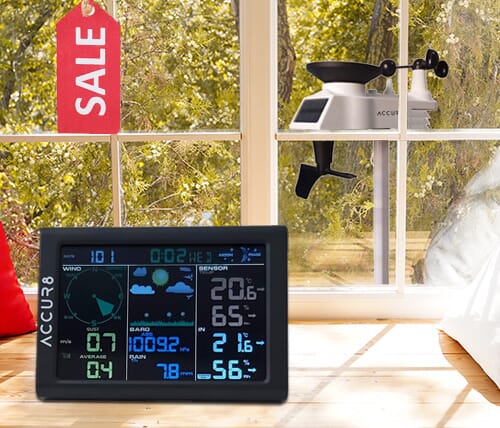
People from right across the UK ask us every day: "Which is the best weather station for home use?" Our simple guide below will help you narrow down to the right choice for you.
Things to consider:
- What information you would like the weather station to provide?
- Accuracy & robustness required.
- Would you like to be able to view your weather station data when you're away from home via a smartphone app/website?
- Is the look of the main indoor unit important to you (it might be the first thing you look at each morning).
- Do you live in a stone building or have other significant solid structures between where you would like to place an external sensor and the main indoor unit? This could mean some lower-end wireless weather stations would struggle to communicate between units.
- And of course – your budget to buy a weather station will have a bearing on which is best for you.
Helpful links
-
Posted: October 27, 2022
 Read more »
Since pre-historic periods men and women have looked to the sky and wondered what the weather was going to do - perhaps for planned hunting trip or drying pelts gathered from such a trip. Originally it was assumed that the sun ruled the earth’s weather and it was therefore worshipped as a god. Of course in many ways, arguably, we now know that premise to be more or less correct. It is worth remembering that during much of the Bronze Age period climatic conditions in the UK and Europe as a whole were much warmer than those we currently experience, allowing expansion and exploration northwards, although this trend was reversed during much of the cooler Iron Age period.
As soon as mankind adopted an agrarian lifestyle however, having some understanding of the patterns of the weather became essential for crop cultivation. If the crops failed because of drought or flooding, then the villagers would starve. In fact we know that as early as about
-
Posted: January 10, 2022Categories: Software Downloads
 Read more »
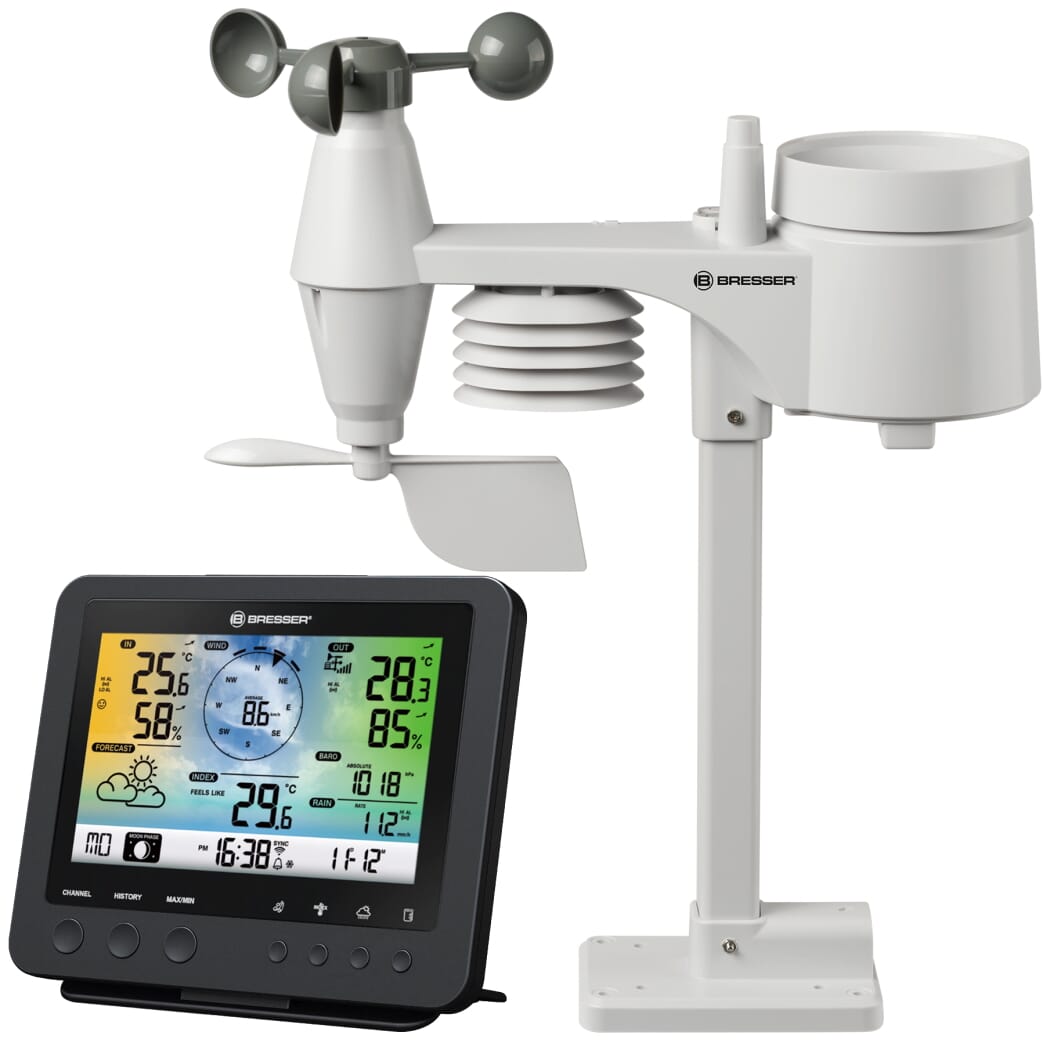
Bresser 5-in-1 Complete WiFi Home Weather Station with Weather Alerts (SKU: BR-7002580)
System Firmware Update (v1.11)
Explore Scientific 5-in-1 Complete WiFi Weather Station with Weather Alerts
-
Posted: April 21, 2021
 Read more »
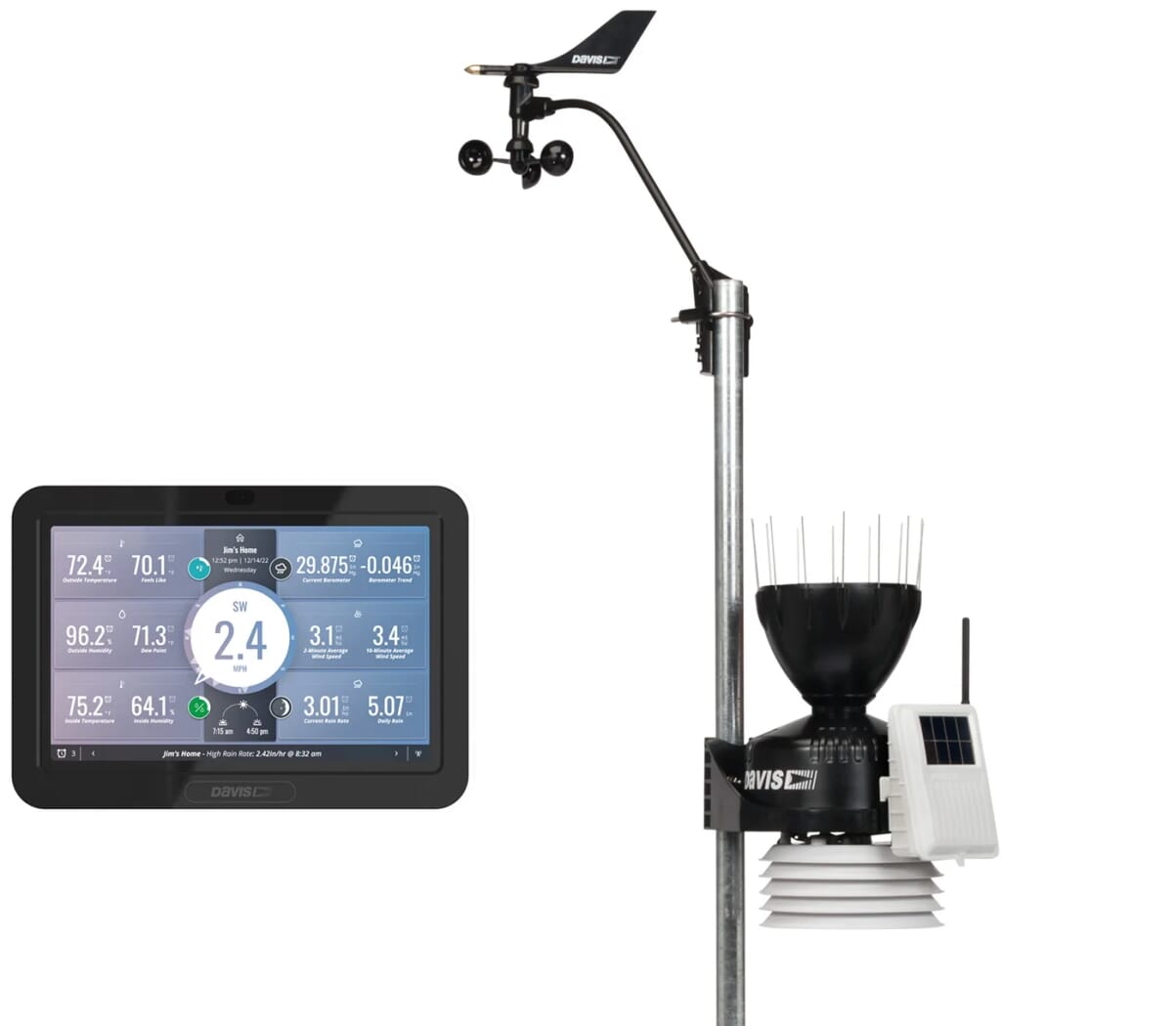
If you have been doing some research already on a weather station for your school, you will have seen there are various weather stations on the market that are able to store data on a PC for later analysis, to create graphs, generate summaries, and more. There are two weather stations that we recommend for use in education: the Davis Instruments Vantage Pro2 range, and the Davis Instruments Vantage Vue. Other models are too basic, not robust enough thus their longevity is short, and do not give the accuracy required.
Our Top Recommendations for School Weather Stations
-
Posted: March 25, 2021Categories: About WeatherRead more »
There are lots of sources of information for weather terms online - we've selected a few that we think may be of interest.
Cloud Base
The cloud base is often calculated by measuring the Temperature and Humidity. This way is hugely simplified compared to how professional meteorologists would do it, however the basic principle is the same.
A professional meteorologist would use a chart called a Tephigram which will give them the various temperature and humidity readings at various altitude. The altitude is measured as a pressure rather than a height: as height varies according to the environmental temperature.
If you imagine a ball of air in front of you, under normal circumstances it will exhibit the same properties as the air around it in terms of temperature and humidity. This is what is being read by your weather station. If you were to lift this ball of air to say a different altitude, the ball will now expand due to the lower
-
Posted: June 29, 2020Read more »
Davis weather stations routinely last over a decade with minimal maintenance. But it's never a bad idea to do annual preventative maintenance on your system. This year your trusty, hard-working, never-miss-a-data-packet station can get the royal treatment!
Here’s a step by step tutorial on how to do it. Your station will thank you with more years of reliable data.
We have a Complete Tune Up Kit for Vantage Pro2 and Complete Tune Up Kit Vantage Vue, with everything you need to give your station a spa day. You’ll save money and time.
(We've also got videos to walk you through
-
Posted: March 26, 2020Categories: News ReleaseRead more »
Updated 26 July 2021
We are open and able to deliver your orders. This includes all of our websites (tempcon.co.uk, weathershop.co.uk, enviromonitors.co.uk, ticktockclocks.co.uk, lightsonlightsoff.co.uk, thermometerspecialist.co.uk and weather-station-products.co.uk).
To date, Coronavirus (COVID-19)
-
Posted: June 25, 2019Categories: ResearchRead more »
If you're involved with Bat Surveys, you'll know the importance of having a reliable record of weather data.
Scottish Natural Heritage have produced best practice guidance for developers and planners to ensure that onshore wind energy developments post minimal risk to bats.
Section 5.2.6 states: Weather data including wind speed, temperature and rainfall are important for the interpretation of bat activity data, and should be recorded nightly for all types of bat survey. The use of automated weather meters is strongly encouraged, and it is suggested that more than one unit is deployed per site to allow for equipment failures.
See the full guidance on the nature.scot website
We have many customers who find a
-
Posted: May 19, 2019Categories: Community SupportRead more »The Pink Pub to Pegasus Bridge riders visit to our office
We are proud to support this amazing local group in their drive (ride!) to provide vital support for the mental wellbeing of military personnel and veterans.
In their own words: "We are a group of friends who will be riding vintage bicycles worth £25 or less from The Pink Pub in Bognor Regis to Pegasus Bridge in Normandy, France from the 3th - 6th June 2019 dressed in Home Guard outfits (think of Dads Army). We will be arriving on the 75th Anniversary of D-Day to commemorate and show our respect to of all those men and women who bravely risked or laid down their lives in service to our country to give us our freedom. We will not forget them.
The ride is in aid of two fantastic causes:
All Call Signs (ACS) - These guys are a relatively new entity established in 2018 after the tragic loss of a dear friend and hero Danny Johnston. Danny was an experienced soldier, serving his country